 pdfToolbox

callas in Asia: PDF Standards, Tradeshows and Sushi
Opens in new tab
Jeremy Spencer
October 27, 2026
pdfCamp Autumn 2026: Real Files, Good Questions and Homework for the Hosts
At pdfCamp Autumn 2026, we tested solutions, explored AI, and gathered suggestions for improving pdfToolbox. The conversations continued over dinner, and the work followed us back to the office.

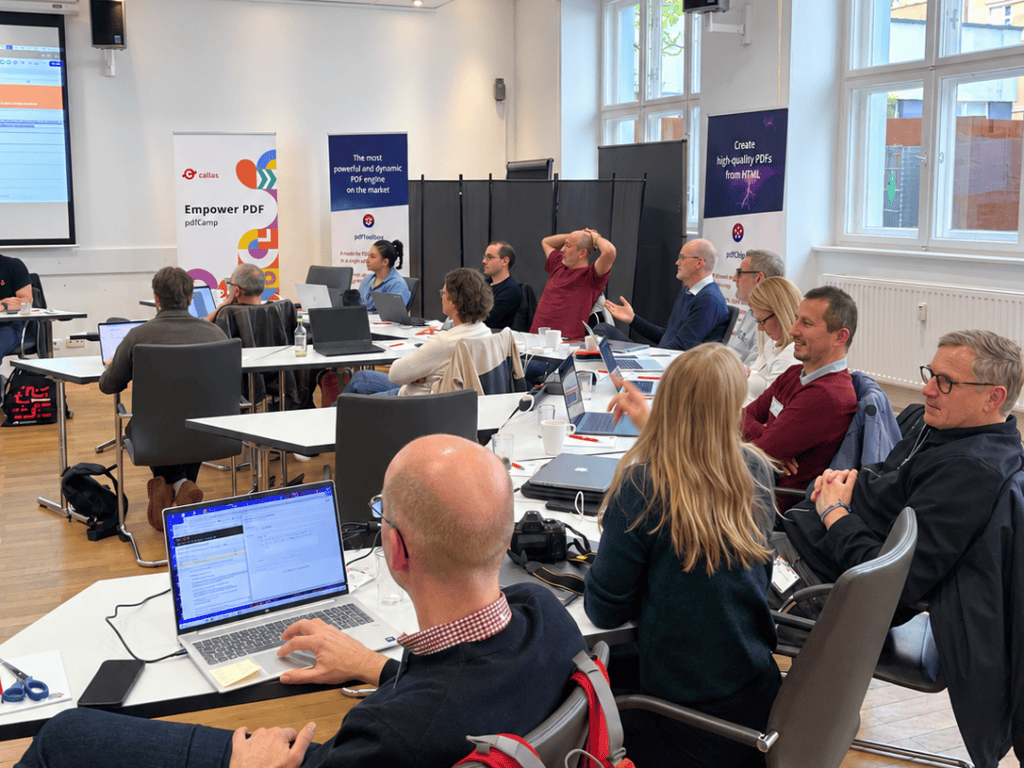
At pdfCamp Autumn 2026 in Berlin, one participant returned on the second morning with a color-separation solution they had tested overnight. Apparently, eight hours of PDF discussions hadn’t quite been enough for one day.
That captures the spirit of the event rather well. On October 22 and 23, experts, partners, and developers brought their production challenges to the table. Together, we opened files, tested approaches, and occasionally discovered that a seemingly simple question needed more time than we had allocated.
The participants supplied the agenda and, as it turned out, many of the answers.
How do you identify a common reverse side in a batch of business cards? Can you add readable labels to pieces of different sizes? How do you extract text that a Check identifies or build a preflight report around your production requirements?
We worked through these questions alongside color separations, cutting paths, registration marks, and fonts. We also explored the occasionally surprising relationship between Illustrator’s editing data and the PDF content within the same file.
Having the files in front of us helped enormously. A description explains what someone wants to achieve; the PDF reveals the details that determine how to achieve it. Crucially, it also lets us test whether an approach works beyond the example on screen.
Several discussions produced working examples using existing pdfToolbox functionality. Others exposed limitations or helped us turn broad requests into something specific enough for development. When several solutions looked promising, we compared their merits.
The overnight color-separation experiment was a particularly welcome contribution. After all, people who use pdfToolbox in production spend their days finding ways to make it do what they need. Bringing them together gives everyone, including us, a chance to learn those tricks.
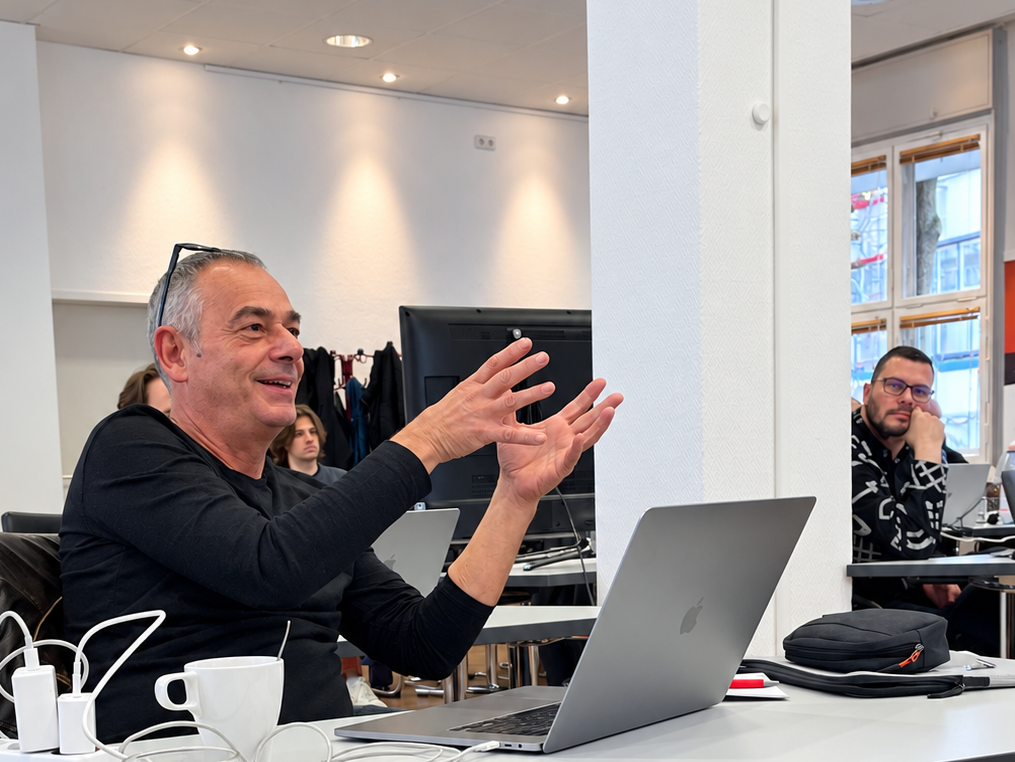
Some questions concerned workflows that already worked, at least until something went wrong.
For example, participants using Enfocus Switch wanted clearer information when a Process Plan fails. Detecting a problem in a PDF and failing to process that PDF are different situations. An operator needs to be able to see what happened without taking on additional detective work.
Growing libraries raised another familiar challenge. Variables acquire similar names, scripts find their way into several projects, and eventually someone asks which version a workflow actually uses.
To address this, we discussed ways to compare scripts, identify related resources, and find those no longer in use. These details matter when a workflow outgrows the memory of the person who built it. As it grows, the people responsible for keeping it running still need to understand how it works.
Unsurprisingly, AI appeared on the agenda too. We gave it specific tasks: creating templates and scripts, helping develop Profiles and Process Plans, and explaining technical preflight results.
Good documentation, tested examples, and clear instructions helped produce useful starting points. However, turning that material into something suitable for production still required testing and expert review.
Image quality prompted a related discussion. A high PPI value doesn’t rescue a blurred image, while a low-resolution screenshot may suit its intended use perfectly well. Rather than relying on resolution alone, we considered how future analysis might account for print size and viewing distance.
That, in turn, raised questions about confidentiality, processing time, cost, and reliability. Before adding an AI service to a production workflow, we need to answer those questions alongside the technical ones.
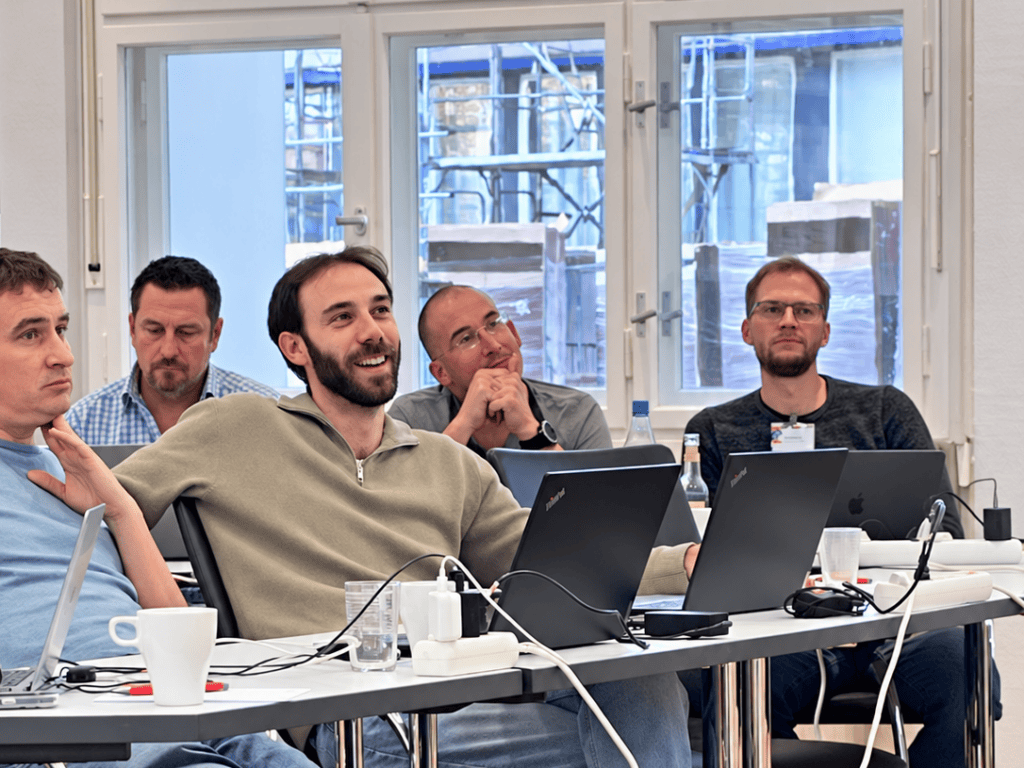
On the first evening, we continued the conversations over dinner. A schnitzel restaurant makes a pleasant change from a workshop room, even when some of the subjects remain remarkably similar! Dinner also gave everyone time to compare experiences and put faces to familiar email addresses. With pdfCamp veterans and first-timers working in different parts of the industry, we had plenty of perspectives around the table. A printer, a developer, and a workflow specialist may see different problems in the same file. Understanding why can sometimes change how you approach your own.
We also discussed the callas Demo Library. Its commented Process Plans and matching sample files show how particular pdfToolbox capabilities work in practice.
These examples give users something to open, examine, and adapt. Although they aren’t finished workflows for every production environment, they make it easier to understand an approach before applying it to your own files.
Participants suggested ways to make the examples easier to find and use. Alongside the technical questions, that feedback gives us practical improvements to work on.
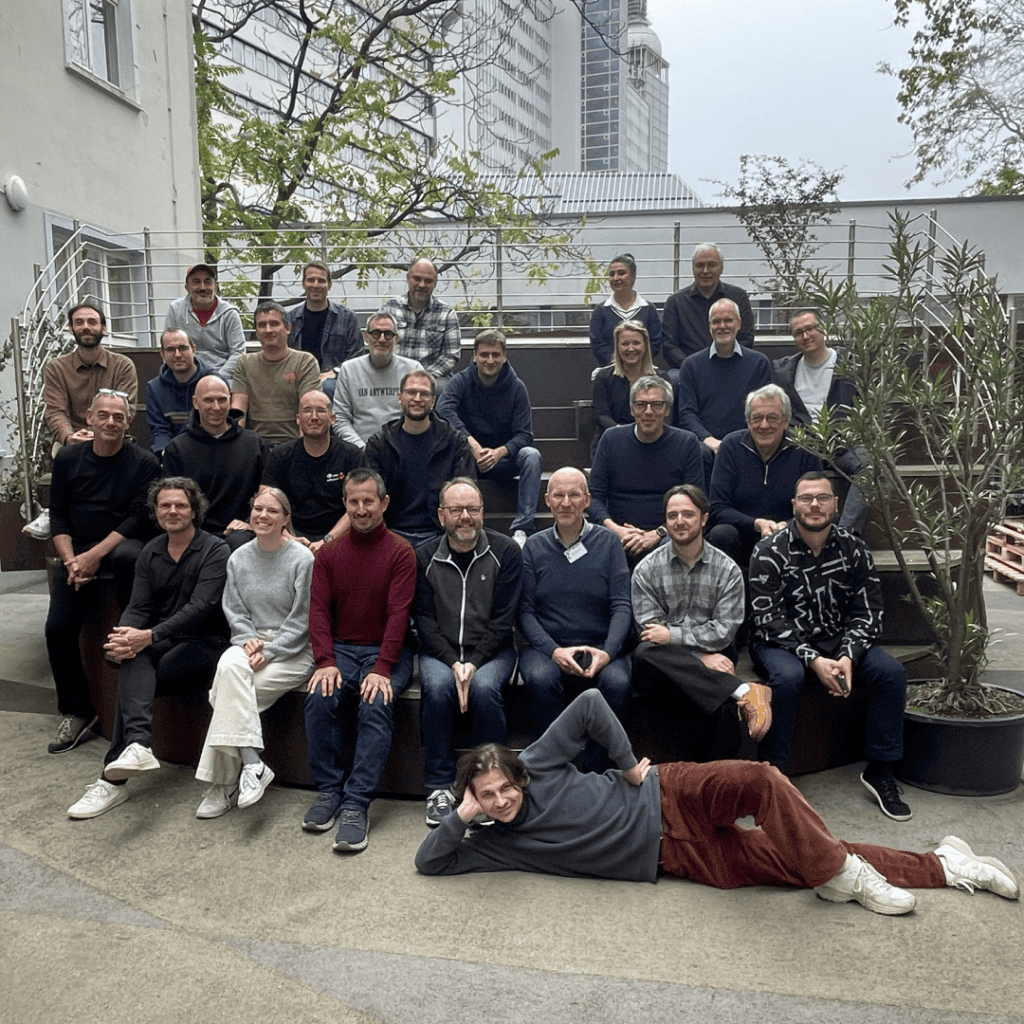
We left pdfCamp Autumn 2026 with working examples, clearer feature requests, and questions to investigate further. Participants took ideas back to their workflows, while we returned with a better understanding of where those workflows become difficult.
So we have homework too, which seems fair considering everyone brought theirs to Berlin.
Thank you to everyone who shared files, questioned our answers, and helped someone else solve a problem. Please keep sending your feedback and examples, because they help us decide what to improve next.
The next pdfCamp in Berlin takes place on Thursday, April 22, and Friday, April 23, 2027.
Save the date — and if a PDF gives you trouble between now and then, you know what to do!
pdfToolbox
callas in Asia: PDF Standards, Tradeshows and Sushi
Opens in new tab
pdfToolbox
Spot the difference: Turning visual differences into PDF workflow automation
Opens in new tab pdfToolbox

Understanding and fixing an issue in AI-generated print PDFs
Opens in new tab